Designyoucanclickthrough.
The emails, pages and interfaces I have designed and built, rebuilt with an invented brand. Open one, resize it, read the code.
Rebuilt, not screenshotted.
I designed and built these emails, pages and interfaces for a large employer and for clients. Those are not mine to show, so I rebuilt each one from scratch with an invented company and sample content. The structure, the code and the craft are the same. You can open every one of them, switch between desktop and mobile, and read the HTML.
Soft and minimal
White space does most of the work. Hairline borders, one restrained accent, and type that carries the hierarchy.
Premium without noise
Gradients are used like light: soft, spatial and behind the content, never on top of it or on the text.
Tokens, then code
Every color, radius and space is a token first, so light and dark, or a rebrand, is a change in one place.
Emails that survive Outlook.
Table layouts, inline styles, bulletproof buttons and dark-mode overrides, because most B2B inboxes still live in Outlook. Open one, flip to mobile, then read the HTML.
- HTML email
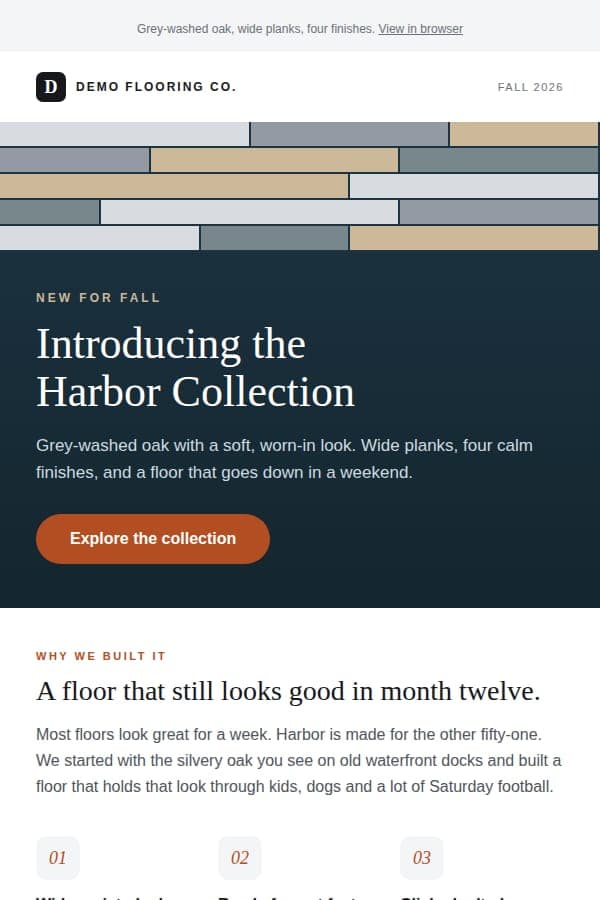
Product launch announcement
A launch email built to hold up in Outlook, where most B2B audiences still open it.
- HTML email
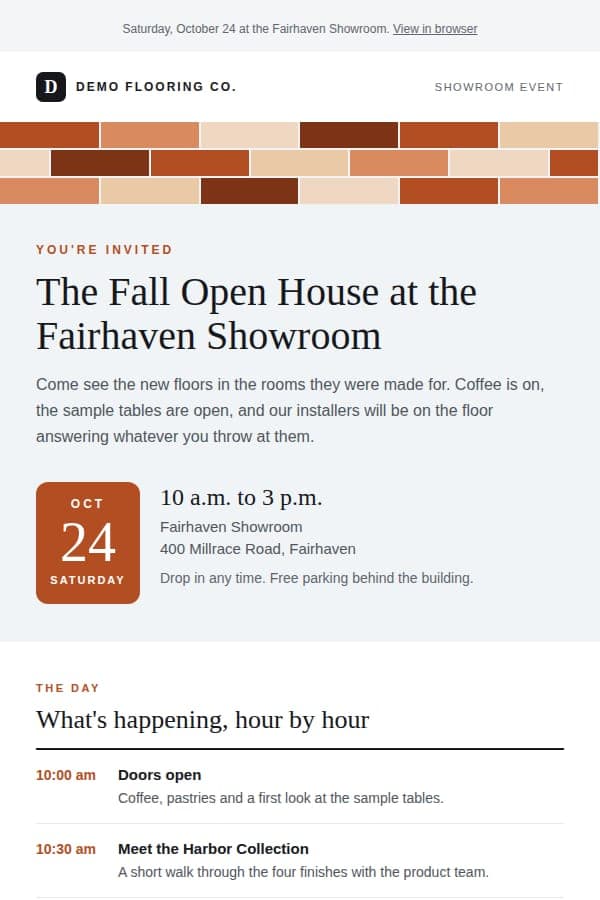
Showroom event invitation
An open-house invite that answers the four questions a guest has before they RSVP.
- HTML email
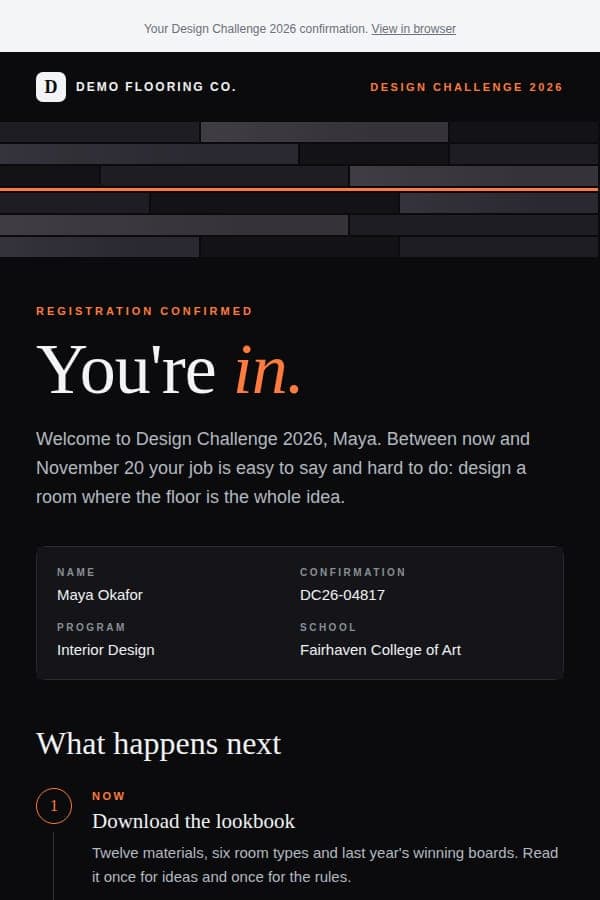
Competition confirmation
A dark, editorial confirmation for a national student design competition.
- HTML email
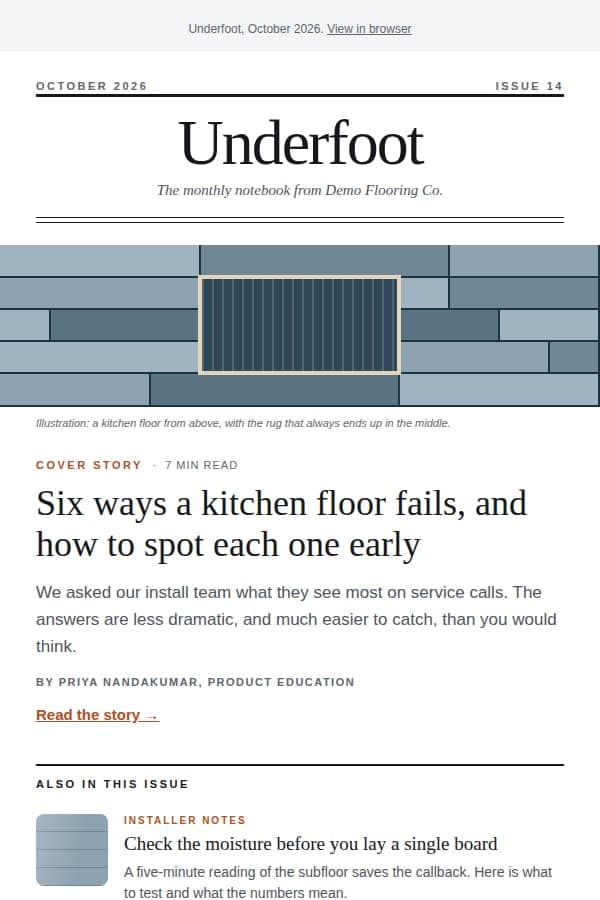
Monthly newsletter
A clear editorial hierarchy for the email program that lifted engagement 13% over two years.
Agency-grade pages, built in-house.
The kind of design-forward page agencies quote $5,000 to $10,000 for. Each one is hand-written HTML, CSS and JavaScript wired to a form, with validation and real success, duplicate and error states.
- Landing page
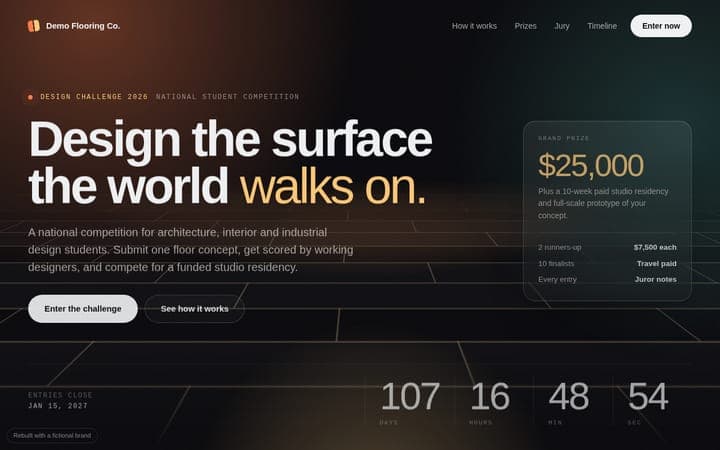
Student competition opt-in
A dark, cinematic opt-in page that delivers assets the moment a student signs up.
- Landing page
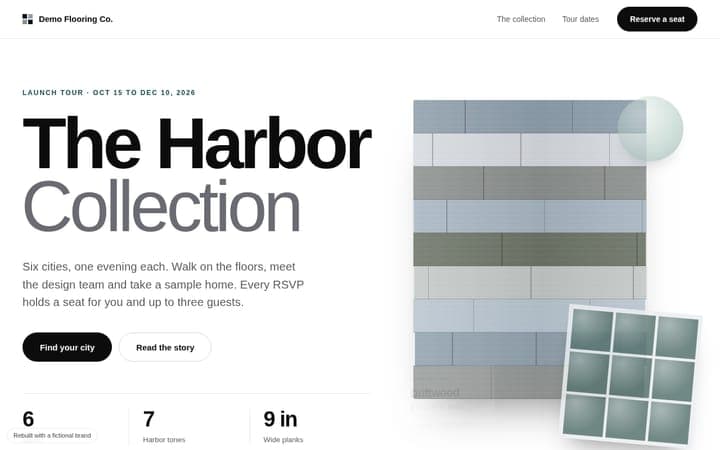
Multi-city launch campaign
A minimal, premium page for a multi-city product launch tour.
- Landing page
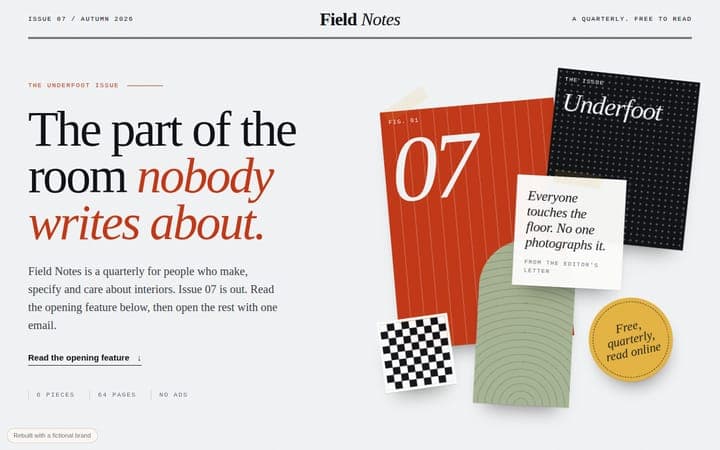
Editorial email gate
One field, one button, and an article you actually want to keep reading.
- Working demo
Invite-only event page
A dark event page with a custom picker flow. Click through it.
Interfaces that explain themselves.
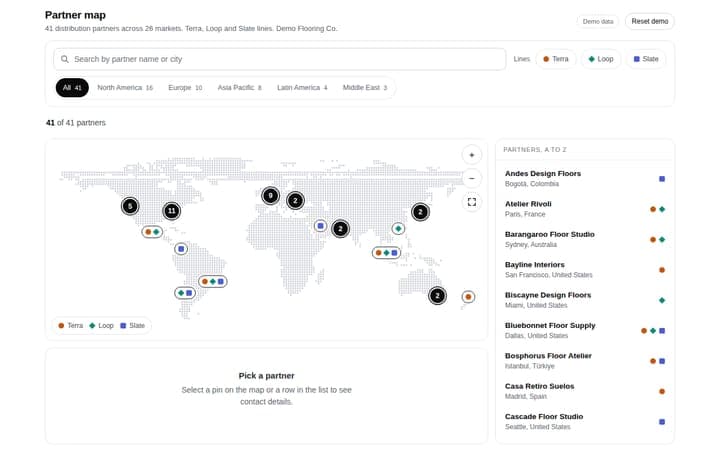
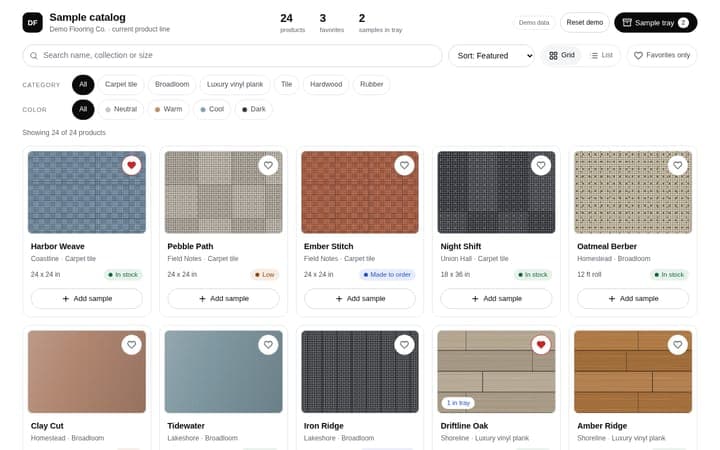
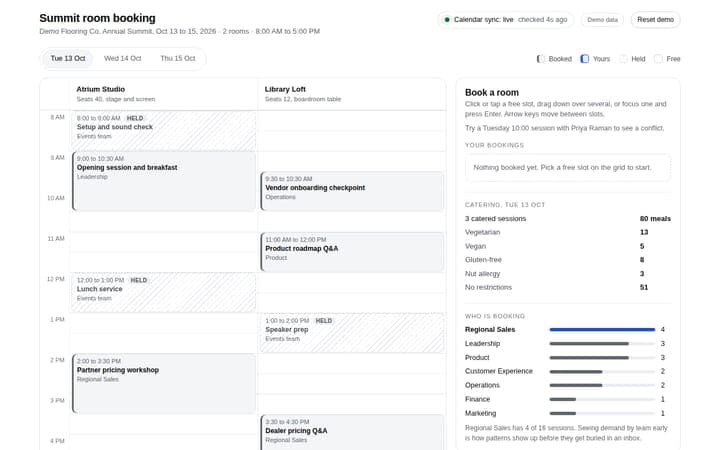
Plans, maps, grids and catalogs where the design is the function. These are the same working apps from the Software console, shown here in light and dark.
- Interface
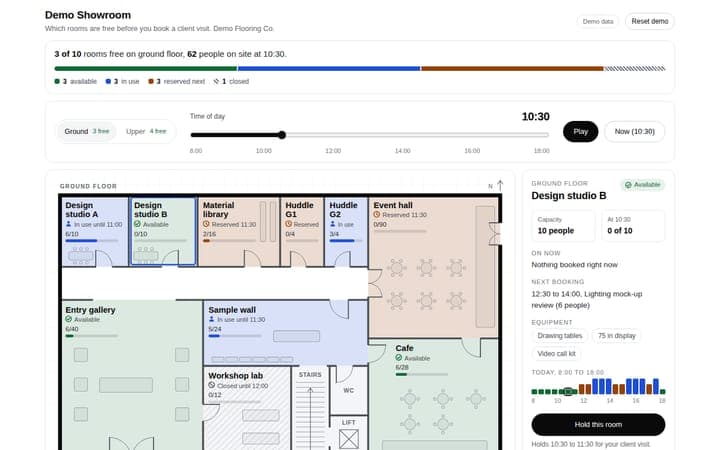
Showroom floorplan
A live floor plan drawn as SVG, where rooms light up as the day moves.
Open the live app - Interface
- Interface
- Interface
- Interface
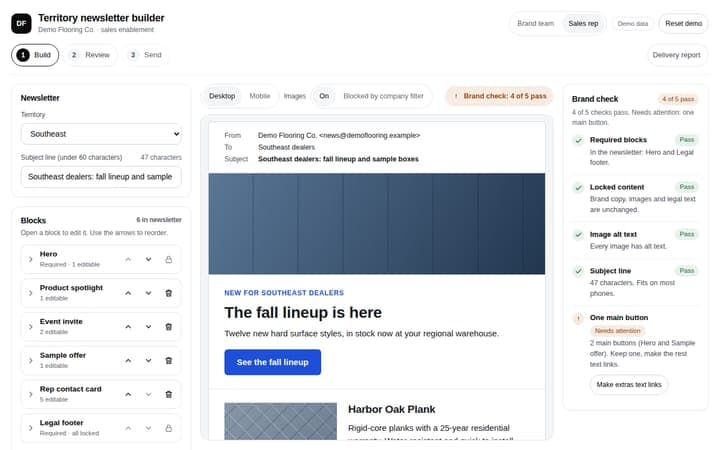
Newsletter builder
An editor and a live email preview side by side, with locked brand blocks.
Open the live app